
Record a meeting or add audio
Start recording in Oudden and watch the transcript appear as you talk. Or add an existing audio file to turn a recorded meeting into text.
Records meetings, transcribes conversations in real time and helps you find answers in past discussions.
Unlimited transcription. Free.
Works even offline.
Oudden transcribes the conversation, helps you make sense of it, and turns discussions into notes, decisions, and plans.
Start recording in Oudden and watch the transcript appear as you talk. Or add an existing audio file to turn a recorded meeting into text.
Choose a template and generate your note. AI turns the transcript into a structured document with headings, lists, and highlighted key points. Use it right away, edit it, or add your own thoughts.
Ask what was agreed in past meetings, find information in your notes, or ask for a new note based on your discussions. Your collected material helps you tackle what comes next.
Everyone around one table, each at their own screen, or some joining remotely — Oudden captures computer audio and voices through your microphone.


And more
Other sources of speech work too: browser calls, webinars, videos and conversations around your computer.

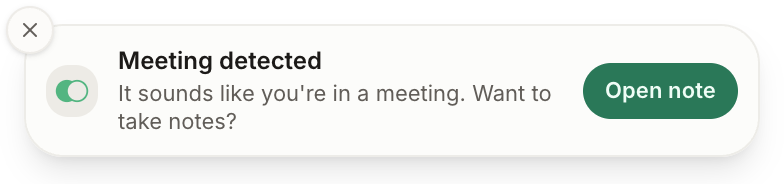
Connect your calendar to see your schedule and open meeting notes. Oudden reminds you when a meeting starts and offers to take notes when it detects a meeting.
Email, messaging, documents — speak instead of typing. Oudden turns your speech into text right in the app you need on your computer.


And other apps
Free. Speech is recognised right on your computer, so you can dictate even without an internet connection.

Meetings, dictation, audio files — Oudden recognizes speech right on your computer. Audio is never sent to the cloud.
You choose whether to save the meeting recording.
Recording meetings and transcribing audio locally are free, including importing existing recordings. AI features and their limits depend on your plan. See plans.
Record the conversation, bring together the key points, and return to your decisions whenever you need them.
Download for freeFor macOS and Windows.